Workforce
Remote Workforce Support
Troubleshoot employee devices remotely without requiring office visits or physical device access.
↓70%on-site support visits

Troubleshoot, diagnose, and resolve mobile device issues remotely across Android, iOS, iPadOS, macOS, and tvOS. Securely access devices, perform remote diagnostics, manage files, execute remote commands, and automate issue resolution with GAS AI.


Diagnose and resolve issues instantly across remote employees, field workers, frontline teams, and distributed devices without disrupting end users.
Provide instant remote support without requiring physical access to devices.
Access device health, logs, applications, configurations, and system information remotely.
Automatically identify root causes, recommend fixes, and accelerate issue resolution.
Support Android, iOS, iPadOS, macOS, and tvOS devices from a single console.
Supporting remote employees, field workers, frontline teams, and distributed devices requires more than visibility-it requires the ability to diagnose and resolve issues instantly. Whether employees experience application failures, connectivity issues, configuration problems, or performance degradation, MobileOps enables IT teams to remotely troubleshoot devices, view system information, access files, execute remote actions, analyze diagnostics, and resolve issues without disrupting end users.


Establish secure remote sessions to view device screens (where platform capabilities permit), assist users, initiate remote support sessions, perform remote guidance, access device information, and troubleshoot operational issues across managed Android, iOS, iPadOS, macOS, and tvOS devices.
Collect and analyze device health, CPU utilization, memory usage, storage availability, battery health, network connectivity, operating system status, installed applications, system logs, crash information, and configuration details to quickly identify the root cause of user issues.


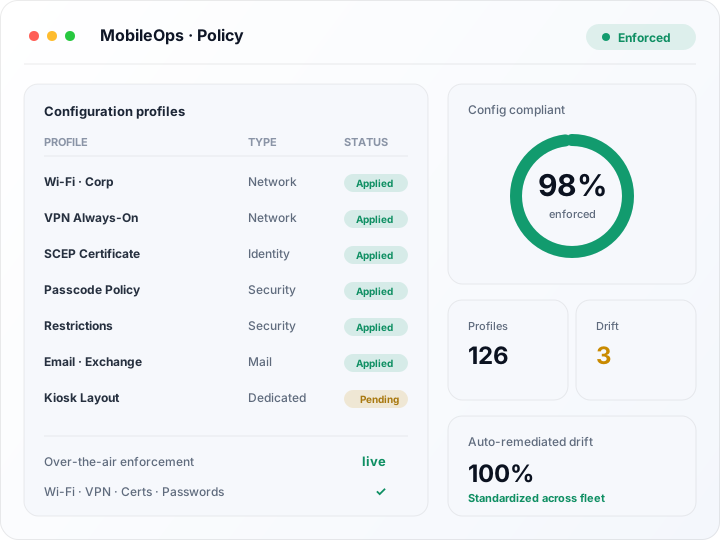
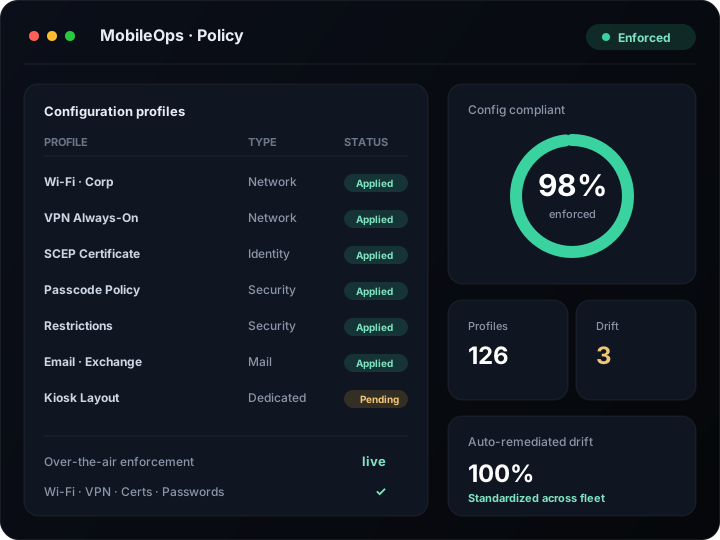
Execute remote reboot, device refresh, application restart, policy synchronization, configuration updates, cache cleanup, enterprise wipe, selective wipe, lock device, unlock device, lost mode activation, and remote notification from a centralized console.
Collect system logs, diagnostic reports, application logs, configuration files, crash reports, screenshots (where supported), and device information while securely transferring enterprise files and troubleshooting data to accelerate incident resolution.
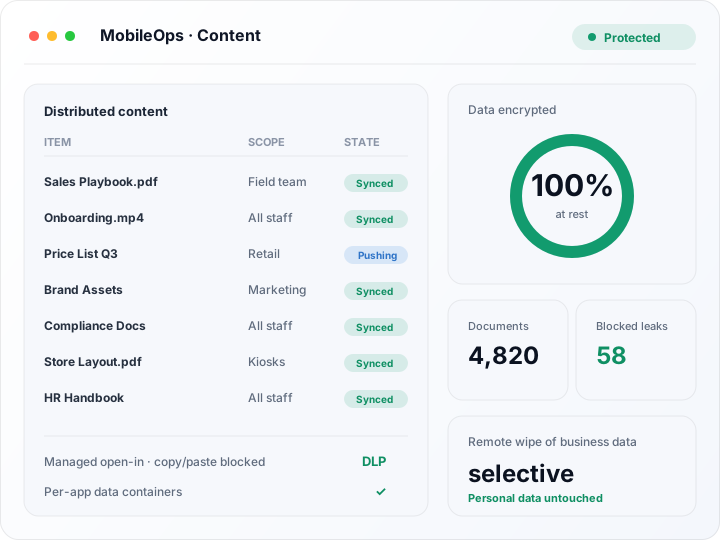
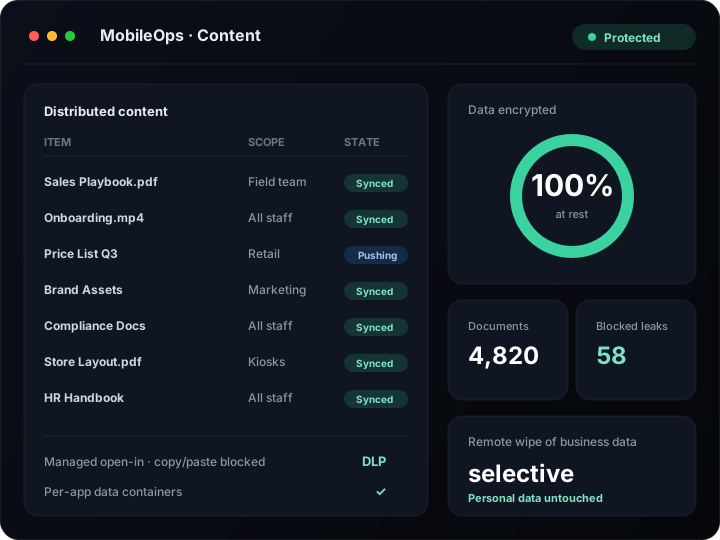


GAS AI continuously analyzes device health, application performance, system logs, crash events, battery status, connectivity issues, policy compliance, operating system health, and remote diagnostic information to identify root causes, recommend corrective actions, generate troubleshooting guidance, answer natural language queries, and automate approved remediation workflows.
Every unresolved device issue drains productivity and patience. Remote diagnostics and GAS AI turn support into fast, automated resolution.
Troubleshoot employee devices remotely without requiring office visits or physical device access.
Provide first-level and advanced technical support using remote diagnostics, administrative actions, and centralized device management.
Quickly diagnose and restore kiosks, rugged devices, tablets, and shared mobile devices deployed across multiple locations.
Deliver fast, secure, and non-disruptive remote assistance for business-critical users and executives.
Support technicians, delivery personnel, healthcare workers, retail associates, and field employees regardless of location.
Use GAS AI to detect recurring issues, identify root causes, generate troubleshooting guidance, and automate routine remediation tasks.
The Autonomous Mobile & Endpoint Operations Agent
GAS AI acts as a virtual UEM administrator, mobile security analyst, and compliance specialist-managing every Android, iOS, iPadOS, Windows, rugged and kiosk device 24×7 across your entire fleet.
GATHER. ANALYSE. SETTLE.
by bringing together other tools
Empower your business with a rich ecosystem of integrations that unify operations, automate processes, and enhance productivity.
Expert guidance, product updates, and best practices for autonomous IT & security operations.
Move from reactive, user-reported support to continuous, intelligent remote troubleshooting.
Traditional
Mobile Support
AI-Powered
Trinetri MobileOps
User-reported issues
Problems surface only after users complain.
Continuous device diagnostics
Devices are continuously monitored for issues.
Manual troubleshooting
Engineers diagnose issues step by step, by hand.
AI-assisted root cause analysis
GAS AI pinpoints root causes automatically.
Limited remote visibility
Little insight into devices without physical access.
Complete device intelligence
Full remote visibility into every device's health.
Multiple support tools
Teams juggle several disconnected support tools.
Unified MobileOps platform
One platform for diagnostics, actions, and support.
Slow issue resolution
Tickets linger and downtime stretches on.
Automated remediation workflows
Approved fixes run automatically end to end.
Reactive support
IT only acts after an issue is reported.
Proactive issue detection with GAS AI
GAS AI detects and resolves issues before users notice.
Mobile Remote Troubleshooting enables IT teams to diagnose, investigate, and resolve issues on managed mobile devices without requiring physical access. Administrators can collect diagnostics, perform remote actions, review system information, and provide remote assistance to users.
Trinetri MobileOps supports remote troubleshooting for Android, Android Enterprise, iOS, iPadOS, macOS, and tvOS devices. Available remote support capabilities may vary depending on operating system security models and manufacturer restrictions.
Administrators can remotely reboot devices, synchronize policies, refresh configurations, lock or wipe devices, collect diagnostics, review logs, restart applications, send notifications, and perform other supported management actions.
Yes. Trinetri collects device health information, application logs, crash reports, configuration details, system information, battery status, storage metrics, and other diagnostic data to accelerate troubleshooting.
Yes. Centralized remote troubleshooting reduces support costs, shortens resolution times, improves first-call resolution, minimizes device downtime, and enables IT teams to support remote and hybrid workforces more efficiently.
GAS AI continuously analyzes diagnostics, system health, application behavior, connectivity issues, and historical incidents to identify root causes, recommend remediation actions, answer natural language queries, generate troubleshooting guidance, and automate approved support workflows.
Unlike traditional remote support solutions that focus only on screen sharing or manual assistance, MobileOps combines remote diagnostics, administrative actions, device intelligence, AI-powered troubleshooting, workflow automation, and unified MobileOps management to deliver a comprehensive enterprise mobile support platform.